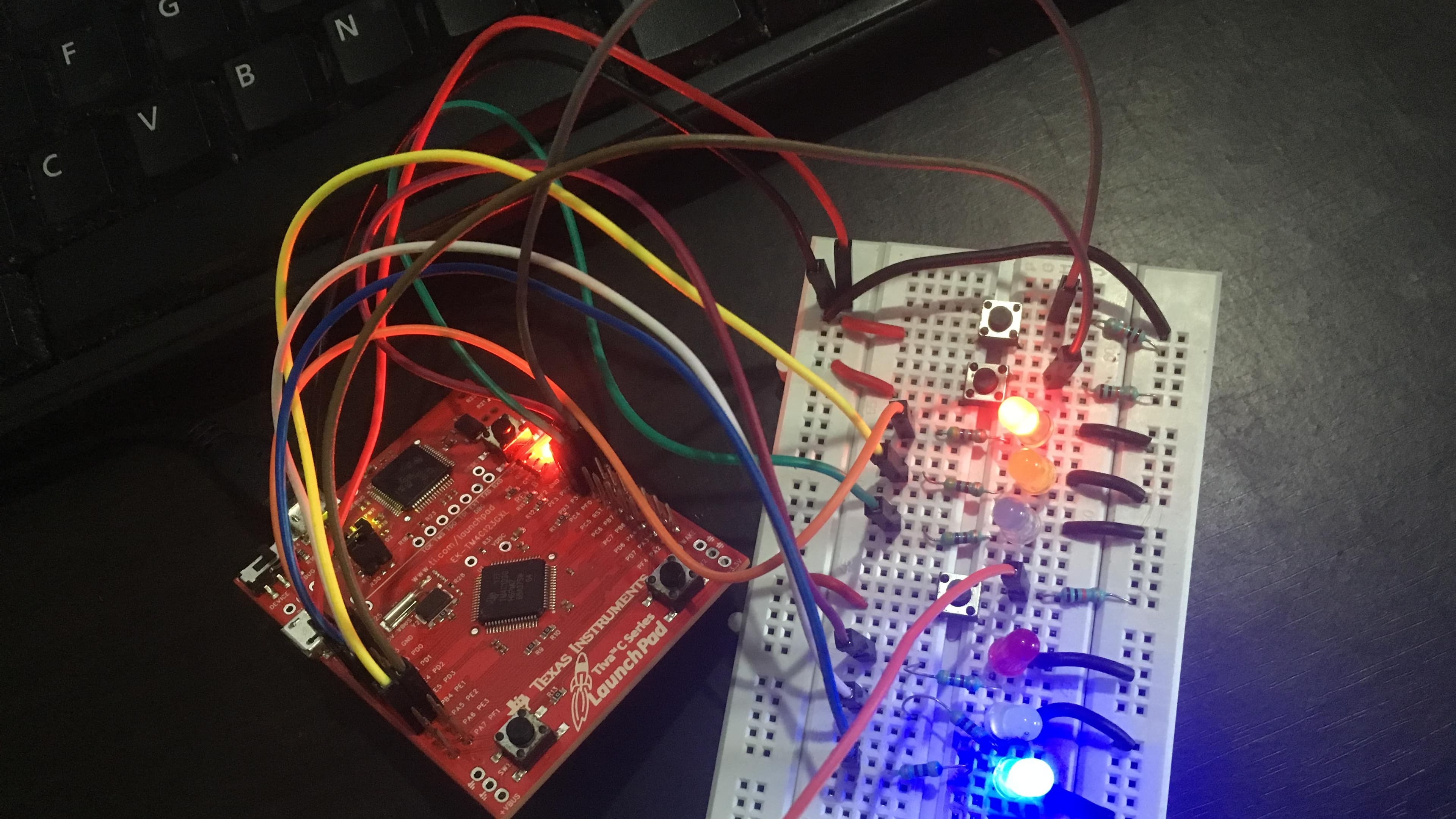
Getting started with the TM4C Launchpad on a Linux System
Posted in Embedded Systems
Tags :- arm cortex-mtm4cmicrocontrollerslinux
This is a guide to getting up-and-running to develop firmware for the TM4C123GH6PM evaluation board from Texas Instruments on a Linux based system.
The TM4C was my first microcontroller,and i found it very uninteresting to use a bulky IDE like Keil or IAR EWARM that abstracts so much from me,I checked various blog posts about using GCC and Make to develop firmware for this board,but the instructions were always outdated. The steps here are tested on an Ubuntu 18.04 LTS system,but should work on any other Linux based system
To start writing firmware for the TM4C we need:
-
A text editor like vim or vscode whatever is your preference
-
A compiler/assembler/linker package like
gcc-arm-none-eabi -
Files specific to this board like a linker script
*.ldfile and astartup.cfile -
A
Makefile -
A flasher program,I use
lm4flashin this guide,although OpenOCD may also be used
Toolchain installation
1.First we install the dependencies needed by our tool chain
sudo apt install flex bison libgmp3-dev libmpfr-dev libncurses5-dev libmpc-dev autoconf texinfo build-essential libftdi-dev python-yaml zlib1g-dev libusb-1.0-0-dev2. Then we install the GCC for ARM package
sudo apt install gcc-arm-none-eabi3. And finally the lm4flash flashing tool
git clone https://github.com/utzig/lm4tools.git
cd lm4tools/lm4flash
make
sudo cp lm4flash /usr/bin/4. Next, create a file called 61.dialout.rules in /etc/udev/rules.d
with this line inside it SUBSYSTEM=="usb", ATTRS{idVendor}=="1cbe", ATTRS{idProduct}=="00fd", MODE="0666" This is to allow any program to read or write to your TM4C Launchpad board,i.e you will not have
to use sudo every time.
Now restart your PC
Building and flashing a basic Blinky.c program to the board
I have already created a template for the TM4C,you just have to clone it from GitHub
git clone https://github.com/shawn-dsilva/tm4c-linux-template.gitThis template contains a skeleton directory of folders,a blinky.c file,a startup.c file and a linker script for the TM4C
Once cloned,cd into tm4c-linux-template and run make
you can change the name of the final binary by setting the PROJECT variable in the Makefile to whatever name you want to use,by default PROJECT = main
once you run make this will be the directory structure:
├── bin
│   ├── main.bin
│   └── main.elf
├── inc
│   └── startup.h
├── ld
│   └── TM4C123GH6PM.ld
├── libs
│   └── startup.c
├── Makefile
├── obj
│   ├── main.d
│   ├── main.o
│   ├── startup.d
│   └── startup.o
├── README.md
└── src
    └── main.c
Here,
srccontains your Source files,i.emain.clibscontains your library source files,i.estartup.c,that are used by the main programinccontains your*.hHeader files,likestartup.hobjcontains the*.oobject files and*.ddependency filesbincontains an ELF executablemain.elf,this contains debugging symbols used by thegdbdebugger,andmain.bin,the final binary that is stripped off the debugging symbols and will be flashed to your board
Run make flash to invoke lm4flash and burn your main.bin binary to the board,press the RESET button on your board,and hold SW1 to cause the red LED on board to blink as long as it is pressed
Additional library and driver files for this board can be acquired by downloading the SW-TM4C-2.1.4.178.exe package from this
TI Website here